

Welcome to the
Bright Side of Banking

Enroll
Internet Banking Enrollment
Cards
Debit & Credit Card Information
Learn
Increase Your Financial I.Q.
Safety
Security & Fraud Prevention
Find the account
that fits your lifestyle.
Checking account choices designed for you.
Personal Banking
At DSB, we put our communities and families first, and we can’t wait to have an opportunity to show you the benefits of hometown banking!
Business Banking
We strive to offer financial solutions that fit your business, whether you’re just starting up, building a current business, or managing a commercial operation.
Lending
We have a diverse lending portfolio including: agriculture, auto, commercial, home equity, mortgage, personal, and small business.
DSB Wealth Management
Wherever you are in life, we’ll meet you there. Plan for your future with financial experts at DSB Wealth Management.
DSB Locations
With 10 different branches, DeMotte State Bank serves 5 counties.
Stay Up To Date
Follow us on our social media platforms!
@DeMotteStateBank
“I have been amazed at the service DeMotte State Bank has provided to our family. I did not know community banks like this still existed, where the bankers and tellers get to know your name.”
—Ryan
F.A.Q.
Common Questions
How will cash-back transactions be rounded due to the penny phase-out?
Effective November 1, 2026, cash-back transactions at DeMotte State Bank will be rounded to the nearest nickel due to the limited availability of pennies. Rounding will apply only to the final cash total, not to individual items or amounts within a transaction.
The following chart explains how cash-back totals will be rounded:
| 1¢ or 2¢: Rounded down to the nearest 5-cent increment |
| 3¢ or 4¢: Rounded up to the nearest 5-cent increment |
| 6¢ or 7¢: Rounded down to the nearest 5-cent increment |
| 8¢ or 9¢: Rounded up to the nearest 5-cent increment |
How does rounding affect check cashing?
DSB customers: When cashing a check, any difference resulting from rounding down will be deposited into the customer’s DSB account. For example, a $50.67 check will result in $50.65 in cash, with the remaining $0.02 deposited into the customer’s account.
Non-customers: When cashing a check drawn on DSB, the cash paid will be rounded according to the chart above. If the amount is rounded down, the difference will not be paid out.
Electronic payments, including credit and debit card transactions, ACH transactions, checks, and transfers, will continue to be processed for the exact amount without rounding.
Questions? Please contact your nearest branch and we would be happy to assist you.
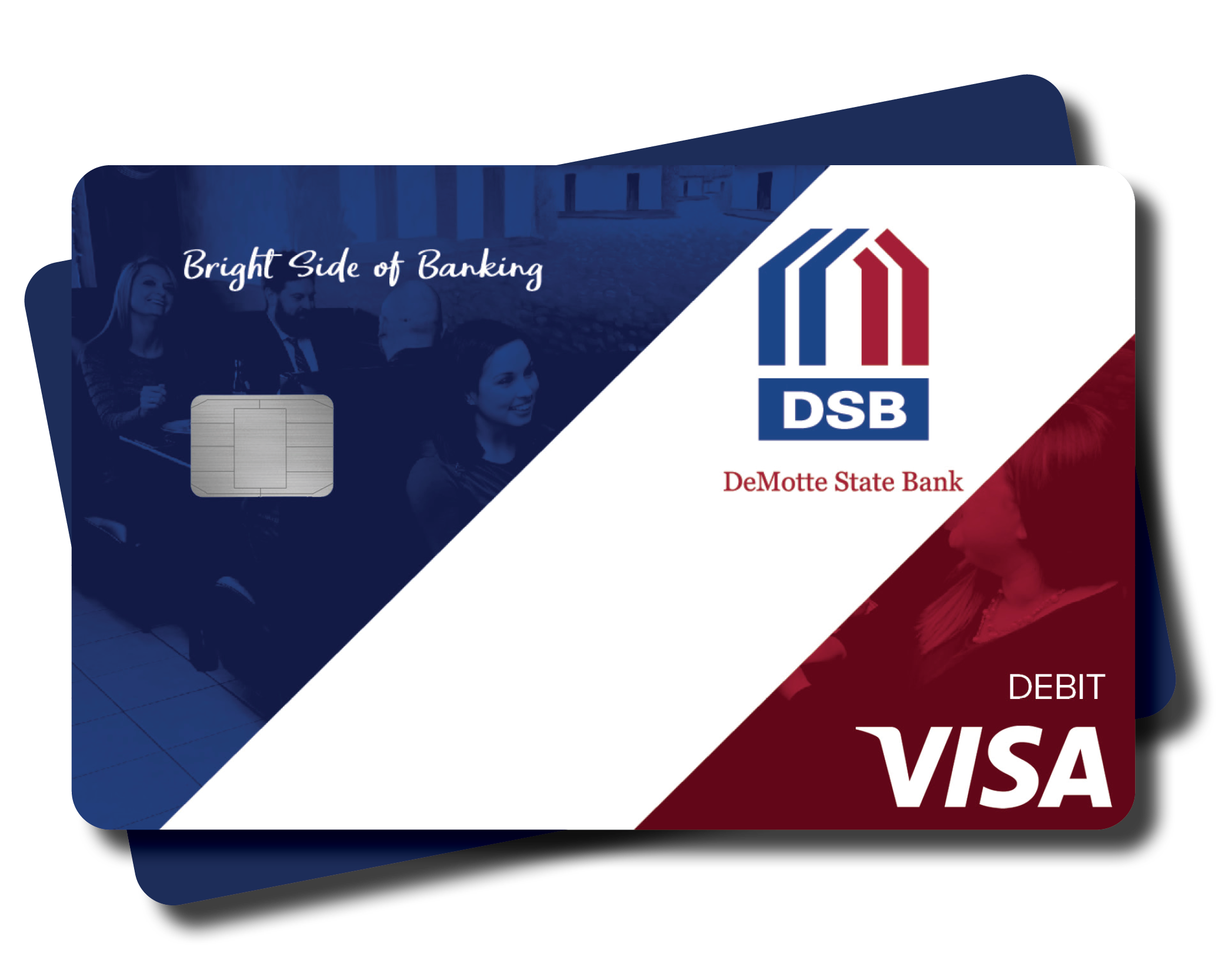
My DSB debit card has been lost/stolen and the bank isn't open, what should I do?
Please use your Internet Banking Services to temporarily turn off your DSB Debit Card.
- Find your Card on the Account Summary page.
- Select Block then select Confirm.
- Your DSB Debit Card will now be inactive.
- If you find your card, you can unblock it by following these steps and selecting “Unblock” and then “Confirm.”
- If you need a new card, please contact your local branch.
How do I set up Google Authenticator?
The Google Authenticator App is FREE and available for Android devices in the Google Play Store, for iOS devices in the App store, or by performing a web search in your device browser.
Google Authenticator may be added as a contact method using browser based online banking on a computer/laptop/mobile device. DSB supports Time Based option ONLY. To add Google Authenticator using a browser, go to Preferences – Change Security Contact and select either NEXT or NEW CONTACT METHOD. Select GoogleAuth as your Contact type, create a name for the method for selection, once you Submit, the screen will display a secret key and a barcode. To use the secret key, select Manual Entry on the Google Authenticator App. To use the barcode, select Scan Barcode and then hold device in front of barcode. It will scan automatically.
Once you are registered, your app will display a 6-digit code, enter the code in the Code field, and submit, this code will change every 30 seconds. This is a Time-Based option, if using Manual entry, verify you have the toggle activate for Time Based. You will have three attempts before you are automatically logged out.
Upon successful verification of the code, you will see a message of Contact Method Verified and can now continue using DSB Cash Management Services.
I am trying to check my accounts on internet banking and none of my accounts are visible, what happened?
Between 6pm-9pm daily DSB updates all of our customer’s accounts to reflect any in branch activity. This process may impact the visibility of your account in internet banking for up to 30 minutes. If after 30 minutes your accounts are still not visible, please message us via secure messaging in your internet banking platform and we will follow up with you on the next business day.
Why am I being asked to enter my phone number and/or email when I login?
This is a new security feature. Your contact information will be used to authenticate you as a user when logging into Internet or Mobile Banking. A code will be sent via SMS/Text or email to the contact method you select. The code must be entered a minimum of three times for each new IP address you are using to access your account.